
Video Editing Course

Learn Video Editing Through Practical Training

Choose Today's Most
In-Demand Skills

Learn practical IT skills, build real projects, and
launch your career with ALO.
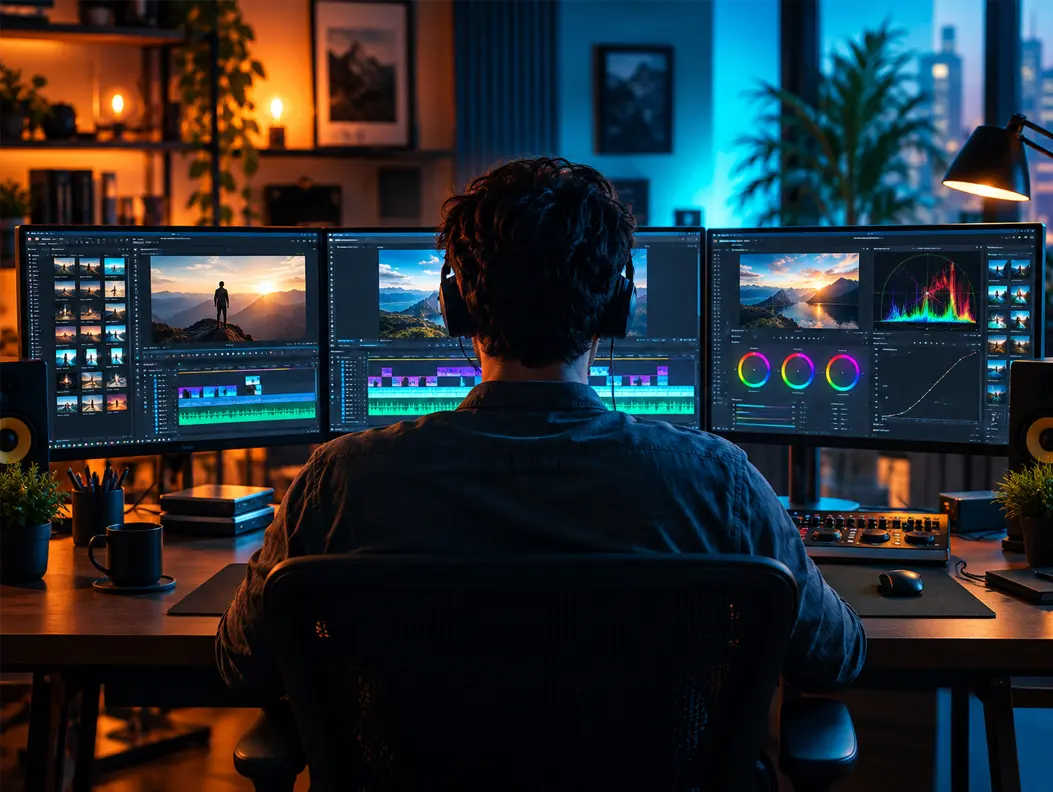
Video Editing course preview
2 months
Offline / Online
100% Placement Support

Learn video editing through practical training with tools such as Adobe Premiere Pro, After Effects, and Photoshop. Create engaging videos using transitions, effects, audio editing, color correction, and motion graphics while building real-world projects and a professional portfolio.
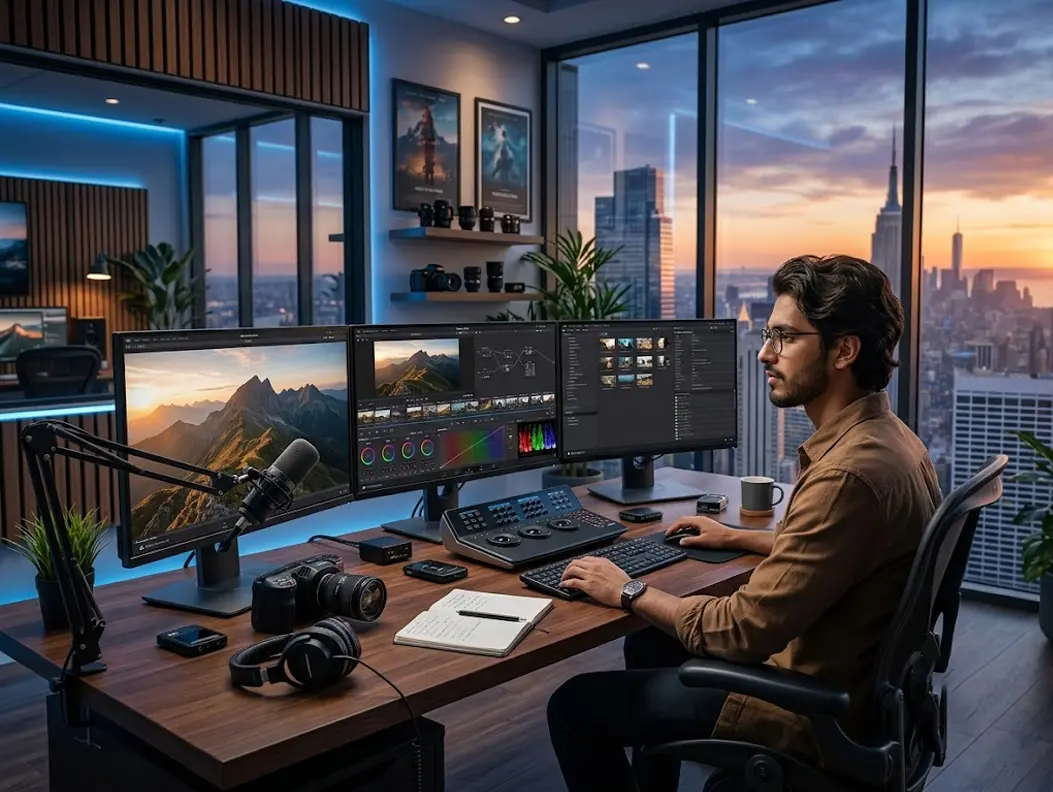
Trusted by Many Students

4.9/5
Video-Editing Advance course preview
4 months
Offline / Online
100% Placement Support

Develop advanced video editing skills through practical training in Adobe Premiere Pro, After Effects, Photoshop, motion graphics, visual effects, color grading, and audio editing. Work on creative projects, refine your editing workflow, and build a professional portfolio for video content roles.

Trusted by Many Students

4.9/5

Start Your IT Career in
4 Simple Steps

Learn practical IT skills, build real projects, and
launch your career with ALO.

01

Enroll

Choose a course that matches your career goals.

02

Learn

Attend expert-led classes and gain practical skills.

03

Build Projects

Work on real-world projects and build your portfolio.

04

Get Placed

Get career guidance and placement support.

Ready to Start Learning Video Editing?

Take the next step toward a successful future with practical
training, industry-relevant skills, and expert guidance.

Frequently asked
Questions

Empowering Students with Innovative Software Skills for Career
Success

The 80/20 rule suggests focusing on the editing tasks that make the biggest difference to the final video. In practice, strong storytelling, pacing, clear audio, and well-timed cuts often matter more than adding excessive effects. The right balance depends on the video's purpose and audience.

Adobe Premiere Pro is primarily used to edit and arrange video clips, audio, and sequences. Adobe After Effects is mainly used for motion graphics, animation, visual effects, and compositing. Many professional workflows use Premiere Pro for editing and After Effects when advanced visual work is needed.

Current video editing trends include short-form vertical content, captions, motion graphics, faster pacing, AI-assisted workflows, and platform-specific video formats. However, trends change quickly, so editors should choose techniques based on the content, audience, and platform rather than using effects simply because they are popular.

Motion graphics are animated visual elements used to communicate information or enhance a video. They can include animated text, logos, icons, shapes, titles, and data. Tools such as Adobe After Effects are commonly used to create these elements for advertisements, social media videos, presentations, and other content.

Modern video editing software continues to introduce features such as AI-assisted editing, automatic captions, object masking, background removal, audio enhancement, tracking, and improved color workflows. Features vary by software and version, so editors should check the official documentation for the latest updates.